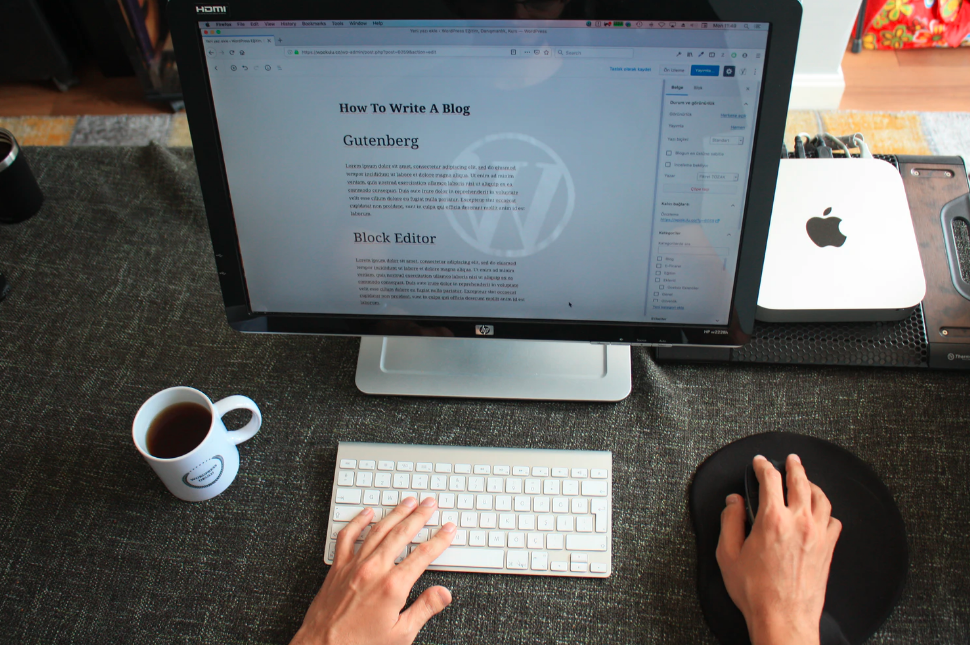
WordPress is the world’s most popular CMS platform, powering over 43% of all websites. Due to its user-friendly features, many website owners stage their websites on this CMS only. WordPress hosting provides access to the best plugins and themes as part of its hosting plans. For website owners and developers, making changes directly on a live WordPress website would be risky. Any error, plugin conflict, or design tweak mistake can break the entire website in seconds.
New-age fast WordPress hosting for agencies includes one-click staging options, making it easier than ever to implement professional-grade workflows. In this, we will understand why staging environments are so valuable and how they transform the developers and manage WordPress business websites.
How Staging is the Secret Weapon in WordPress Hosting?
- Safe Testing Ground for Updates
One major challenge in WordPress hosting offers is updating plugins, themes, or the core itself. Updates cause compatibility issues, breaking functionality. A staging environment enables you to safely test updates before applying them to the live website.
By catching mistakes in staging, you can prevent downtime on the live site and also simplify the update process. For businesses, this means fewer interruptions for customers and increased dependability.
- Perfecting New Features and Designs
New features, layouts, or design modifications introduced directly to the site provide disruption if things do not go according to plan. Staging allows developers to experiment with layouts at will, test user experiences, and add features without worrying that they might destabilize the production environment.
After the staging phase has been completed successfully and the new feature or design works well, it is then pushed into live mode, as evidenced by confidence. The workflow is particularly useful for agencies with numerous client websites or e-commerce shops, as they risk going offline.
- Troubleshooting and debugging Made Easy
Any reason causes an error. It may also be because of the collision of the plugins. Or a faulty up theme will cause a furor. Numerous server-related problems slow down the website. On a live site, debugging is risky, particularly when the solution involves disabling a plugin or modifying code.
The developers can reproduce issues in a staging environment, test various fixes, and validate the solution before deploying it to the live website. This is not only a way of reducing risk, but also quickens problem-solving.
- Improved Client Collaboration
Freelancers and agencies use staging environments as a powerful communication tool. Clients review updates, preview designs, and approve changes in staging before going live.
This not only ensures that clients are satisfied but also eliminates misunderstandings. Instead of explaining changes verbally or through screenshots, clients can interact with a live, working version of their site in real-time.
- Faster Development Workflows
WordPress staging environments streamline the development process by enabling structured workflows. Teams work on new features, thoroughly test them, and merge them into the live website in an organized manner.
This eliminates the uncertainty and messiness of trial-and-error development within a production site. It also encourages collaboration among all team members, as all can experiment and adjust their contributions in advance.
- Risk-Free Plugin and Theme Testing
WordPress staging environments facilitate the development process by providing a structured workflow. New features are developed and tested by teams, and then integrated into the live website in a structured manner.
This eliminates the vagueness and chaos of trial-and-error development in a production facility. It also promotes cooperation among all team members because everyone is allowed to experiment and adjust their contributions beforehand.
- Risk-Free Plugin and Theme Testing
WordPress installs or utilizes numerous plugins and themes to enhance functionality and design. Not every plugin, however, is created equal, and some can cause conflicts or even security gaps. The staging environment allows you to test the use of the plugins and themes on the live site before installation.
This way, you can monitor performance, compatibility, and security without compromising the stability of the page. It is an innovative security solution, particularly for businesses with mission-critical extensions, such as payment gateways or reservation systems.
Summing Up
No longer a luxury, staging environments. Every person keen on WordPress development cannot do without them. They provide a safe area and do not require the same level of security as the production environment, which is necessary for testing changes, building functionality, and troubleshooting issues.
If staging environments are used properly, developers will make their work easier, save time, and create a better product when delivered to clients and customers. For businesses, it means improvements with fewer disruptions and greater reliability, which helps to provide better experiences for users. The bottom line is that staging environments serve as the silent backbone of professional WordPress hosting operational workflows and are truly the hidden weapon that every developer should be employing.